 Byamber
{:en}Design a water level detector through a raspberry pi board and water level sensor{:}{:ja}ラズパイと水位センサーを使って、水位計を制作する{:}{:zh}基于树莓派的水位溢出检测器{:}
{:en}
Overview
Experimental Parts
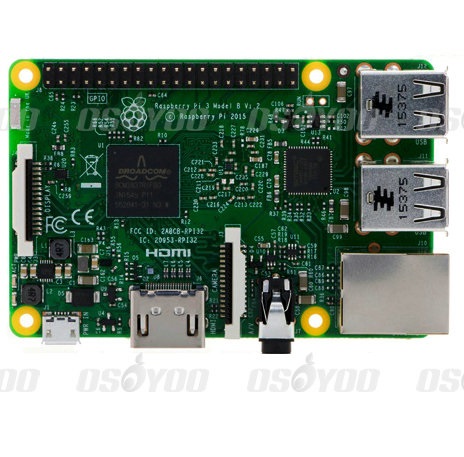 |
Rasperry Pi3 x1
|
 |
water level sensor x1 |
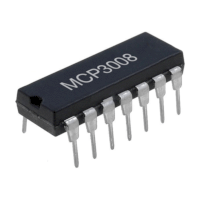 |
Analog to digital convertor(ADC) x1 |
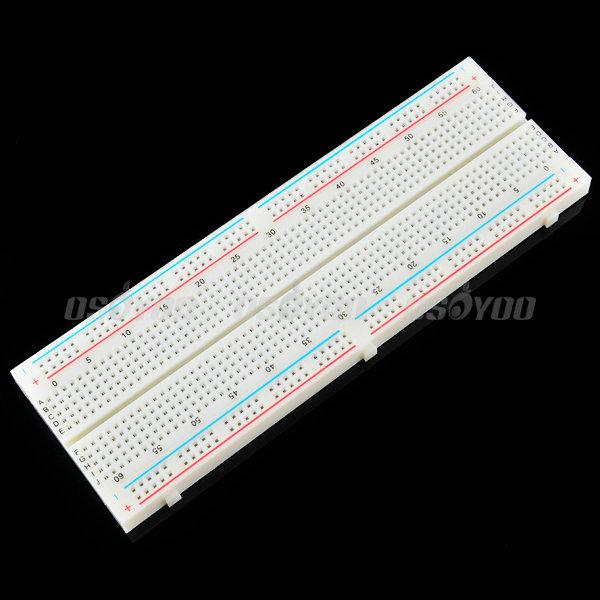 |
Breadboard x1 |
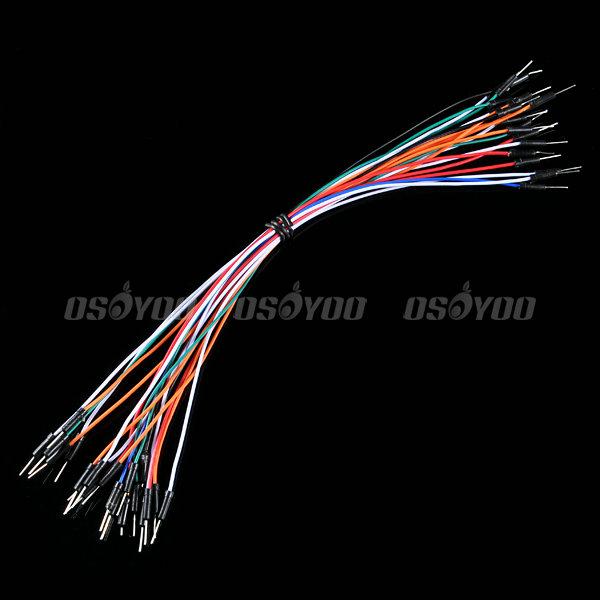 |
male to male jumper wires |
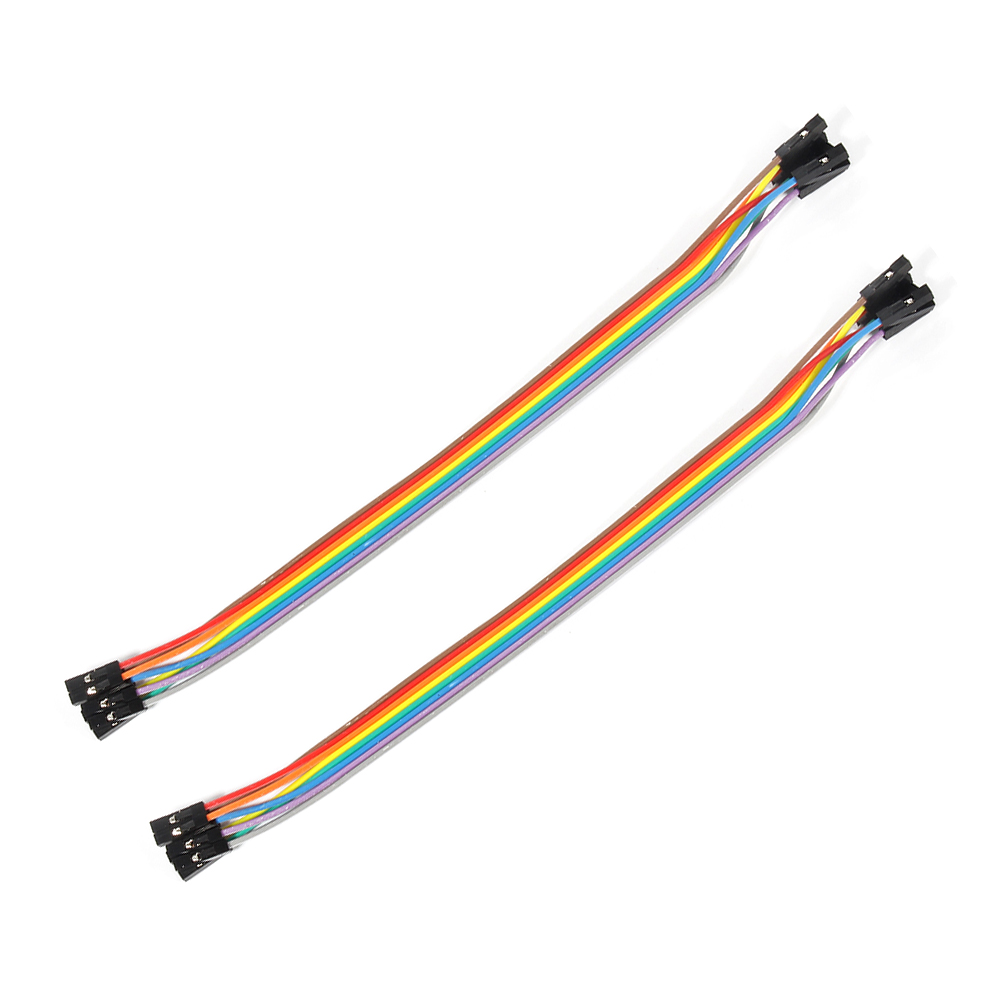 |
male to female jumper wires |
Hardware
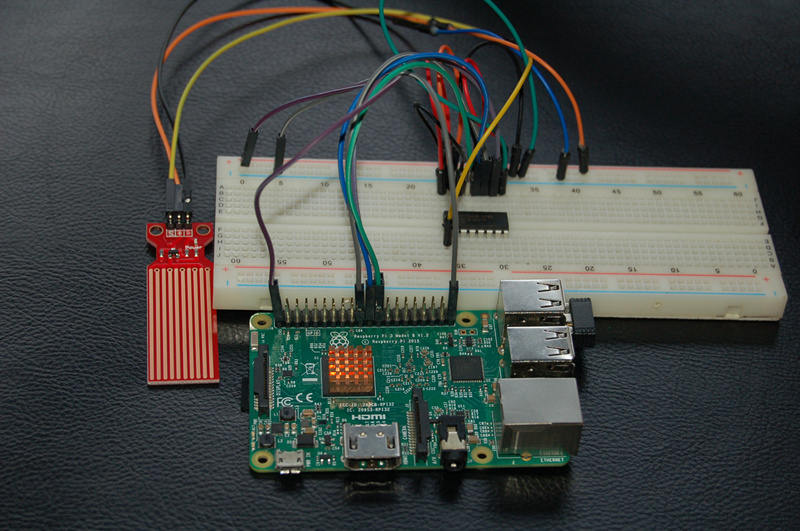
As only the digital signal can be processed by raspberry pi, we need to add a analog to digital converter (ADC) to process the analog signal from water level sensor.It can detect the smoke in the air according to the valtage value. MCP3008 as ADC chip is very common and recommended highly.
Water level sensor is simple and cheaper sensor that identify the amount of water through exposed parallel line track.Easy to complete analog signal change from the water level detection.The work voltage of this sensor is DC 3V-5V and use 3.3V in this tutorial.
The schematic diagram is as follows:
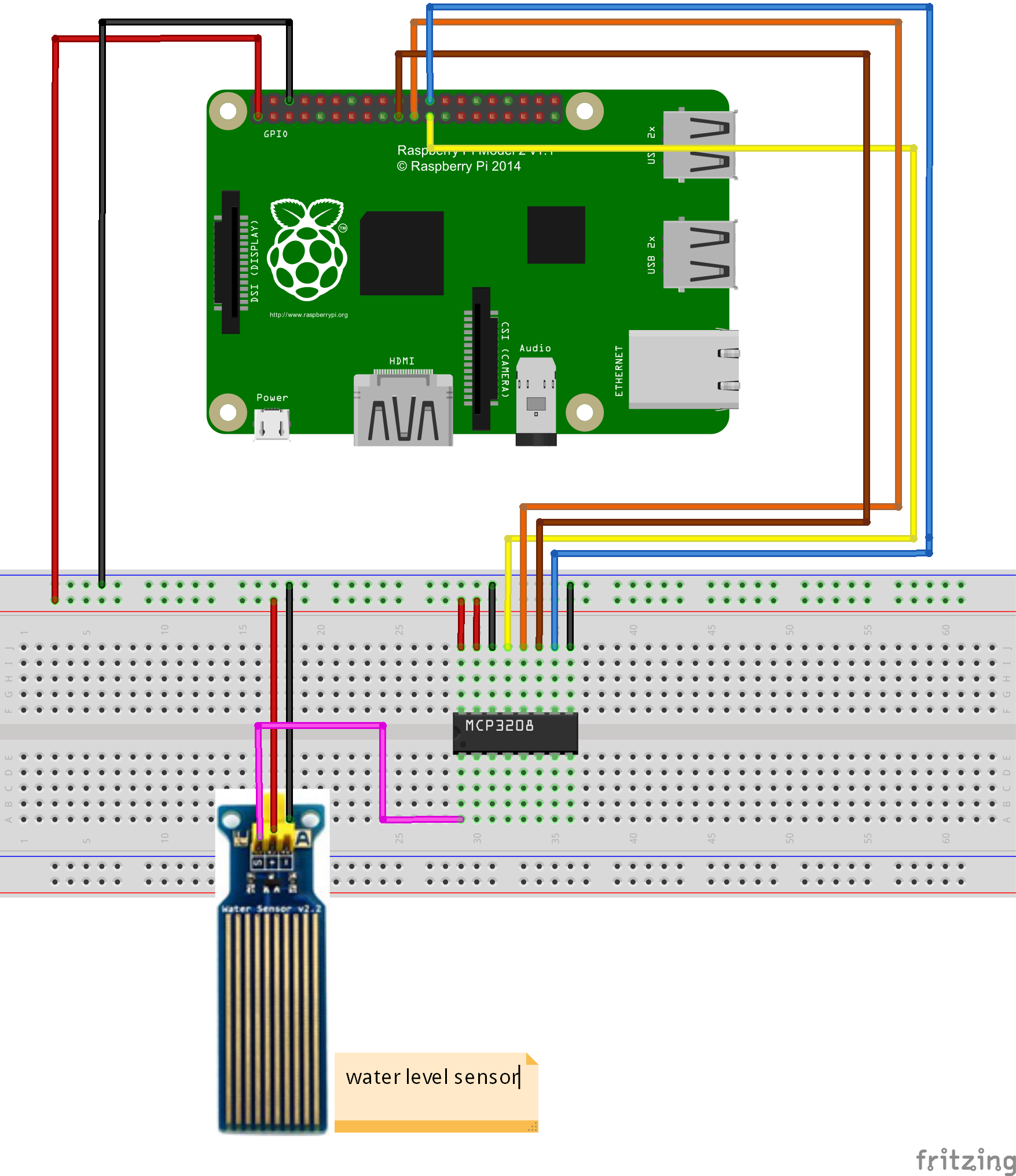
Pay more attention to the anode and cathode, otherwise it would burnout your raspberry pi board and sensor.You can connect the GND of the sensor to OV, VCC to 3.3V. You could visit the article for your referenc if you want to learn more about the raspberry pi IO port : How to read Raspberry Pi i/o pin diagram (GPIO pin graph)
Software
You could choose the connect the raspberry pi to monitor, or login in pi via SSH.
1)Write the code
Add new file named waterlevel.py under the /home/pi file path via nano editor (the name is arbitrary)
sudo nano waterlevel.py
Write the sample code in new file, the code can be obtained by executing shell commands.
sudo wget --no-check-certificate http://osoyoo.com/driver/waterlevel.py
2)Execute python program
sudo python ./waterlevel.py
3)Test
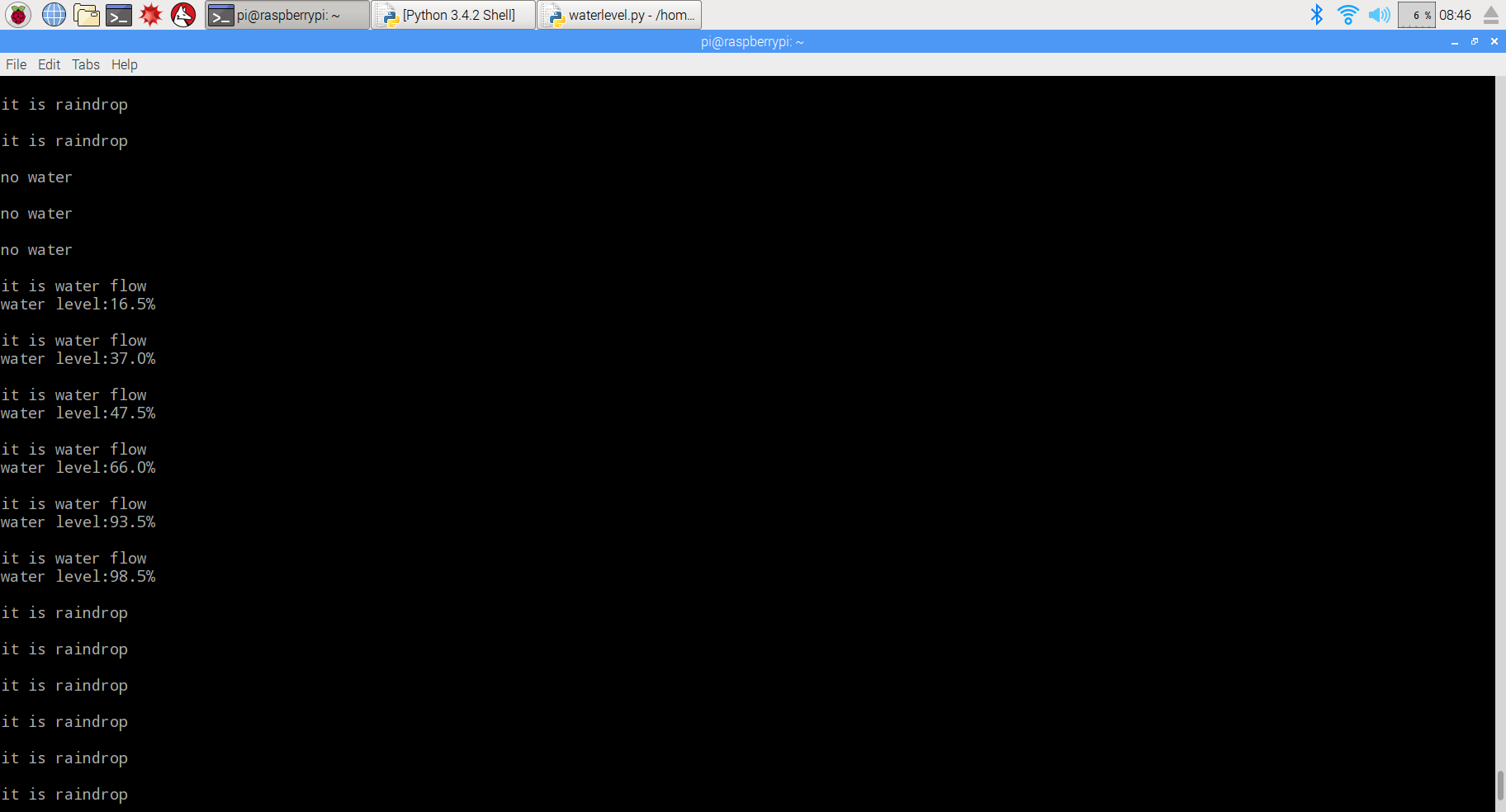
Put the water level sensor into the container and ensure that the water can not exceed the max height.When there is no water in container,it will show no water.The number will increase with the deeper water.
{:}{:ja}概要
にデータをプリントします。
必要なパーツ
|
|
Pi3ボード x1
|
|
|
水位センサー x1 |
|
|
MCP3008 A/Dコンバータx1 |
|
|
ブレッドボードx1 |
|
|
ジャンプワイヤー(オス~オス)x若干 |
|
|
ジャンプワイヤー(オス~メス)x若干 |
ハードウェア
ラズベリー パイ)は、ARMプロセッサを搭載したシングルボードコンピュータであり、デジタル信号の輸入、輸出が簡単に実現できます。ラズパイはアナログ信号(電圧信号)を直接に認識されないため、アナログ信号(温度センサー、可変抵抗器など)を使用の場合、A/Dコンバータが必要し、アナログ信号をデジタル信号に変更したら、ラズパイに輸入します。本プロジェクトではMCP3008と言う、よく利用されるA/Dコンバータを使用します。
水位センサーは簡単、使いやすく、高いコストパフォーマンスなセンサーモジュールであり、数列露出していた導線を並べていて、水が導線の表面にぬれましたら、水面の高さが測定できます。工作電圧は3V~5Vですので、本文では3.3Vでセンサーに給電します。
配線図
線路が違うとボード、センサーに損害の恐れが御座いますので、正極と負極を十分ご注意して下さい。Raspberry PiのGPIOピンの概要はこちら~
ソフトウエア
下記の操作は、ラズパイとスクリーンを接続しても、SSHを通じでラズパイと接続しても、操作できます。
1)プログラム
nanoエディタを使用して、下記のコマンドを作動して、/home/piにwaterlevel.pyと言うファイルを新規作成します。
sudo nano waterlevel.py
ファイルにをコードをコーピーして、キーボードのCtrlとXボーダーを押して、Yを入力して、ファイルを保存します。
或いは、下記のコマンドを作動して、弊社編集済みのwaterlevel.pyを直接にダウンロードできます。
sudo wget --no-check-certificate http://osoyoo.com/driver/waterlevel.py
2)下記のコマンドを作動して、pythonプログラムを作動する
sudo python ./waterlevel.py
3)テスト
水位センサーの導線部が水面から水中にゆっくり差し込んで、水中により深いと、ターミナルに表面される数値も大きくなります。水位センサーが乾燥の場所に置いてしたら、数値が0になります。
{:}{:zh}Overview
Experimental Parts
为了完成设计需要用到一下器件
|
|
Pi3 x1
|
|
|
水位检测模块 x1 |
|
|
模数转换器 x1 |
|
|
面包板 x1 |
|
|
公对公跳线 x若干 |
|
|
公对母跳线 x若干 |
Hardware
Raspberry Pi是一个出色的微型计算机,你可以使用它来控制数字输入和输出。但是当你想用它来处理模拟信号,例如像热敏电阻、电位器等模拟传感器输出时候,Raspberry Pi就有些力不从心了,就需要借助模数转换芯片将模拟信号转换成数字信号。本项目中利用MCP3008水位检测模块输出的电压信号转换成数字信号,MCP3008是一款8通道10位精度的模数转换芯片。
水位检测模块是一款简单易用、性价比较高的水位/水滴识别检测传感器,其是通过具有一系列的暴露的平行导线线迹测量其水滴/水量大小从而判断水位。轻松完成水量到模拟信号的转换。该模块工作在DC3-5V,在本项目中采用3.3V供电。与树莓派具体连接请参考下图。
在接线的时候请认清模块正负极,不要接反了,否则会烧坏你的Pi和模块。模块的上的GND接Pi上的0V;模块上的VCC接3.3V。对于如何识别Pi的IO口请参考这篇文章: How to read Raspberry Pi i/o pin diagram (GPIO pin graph)
Software
可以把pi直接接到显示器上,也可以通过SSH方式远程登录Pi。
1)编写代码
在/home/pi路径下用nano新建一个waterlevel.py(名字随意,你喜欢就好!)
sudo nano waterlevel.py
并往新建的文件中写入代码,代码可以通过执行下面的shell命令得到:
sudo wget --no-check-certificate http://osoyoo.com/driver/waterlevel.py
2)执行python程序
sudo python ./waterlevel.py
3)测试
将水位检测模块由浅入深的插入水中,注意不要让水位淹没到模块上的电子元器件,会发现模块插入的越深屏幕上打印的数字越大;把模块放置在干燥处时候数字为0
{:}

amber administrator
You must be logged in to post a comment
About the Author