 Byamber
Design a barometer through a raspberry pi board and BMP180 Sensor
{:en}
Objective:
In this project, we will use raspberry pi to get environment temperature, pressure from BMP180 sensor and calculate attitude, then display the result to monitor.
Parts and Devices
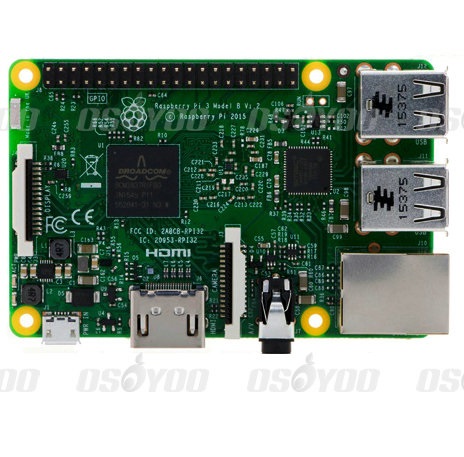 |
Raspberry Pi3 x1
|
 |
BMP180 x1 |
 |
jump wires |
Description:
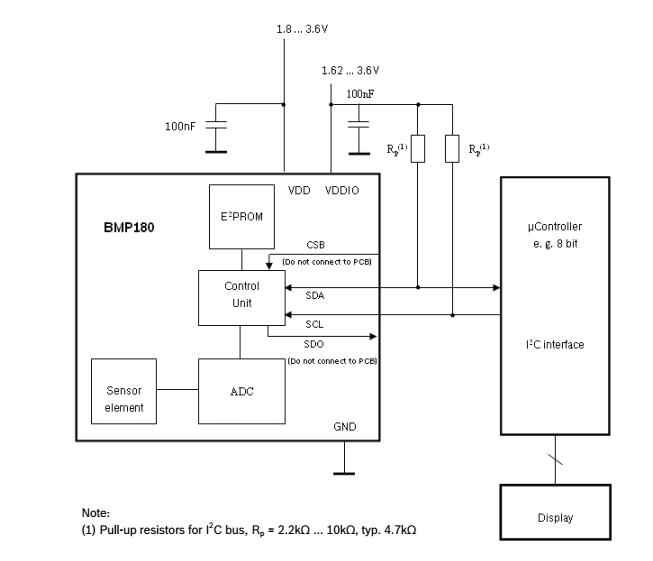
The BMP180 is designed to be connected directly to a microtorlled of a mobile device via the I2C bus. it consists of a piezo-resistive sensor, an analog to digital converter and a control unit with EEPROM and a serial I2C interface. the BMP180 delivers the uncompensated value of pressure and temperature. The EEPROM has stored 176 bit of individual calibration data. this is used to compensate offset. temperature dependence and other parameters of the sensor.
UP= pressure data(16 to 19 bit)
UT= temperature data(16 bit)
Specification:
Pressure range: 300 ~ 1100hPa (altitude 9000 m ~ -500 m)
Power supply voltage: 1.8V ~ 3.6V (VDDA), 1.62V ~ 3.6V (VDDD)
LCC8: Lead-free ceramic carrier package (LCC)
Size: 3.6mmx3.8×0.93mm
Low power consumption: 5μA, in standard mode
High precision: low-power mode, the resolution of 0.06hPa (0.5 meters)
High linearity mode with a resolution of 0.03hPa (0.25 meters)
MSL 1 Reaction Time: 7.5ms
Standby current: 0.1μA
No external clock circuit
Including temperature output,I2C Interface,Temperature compensation
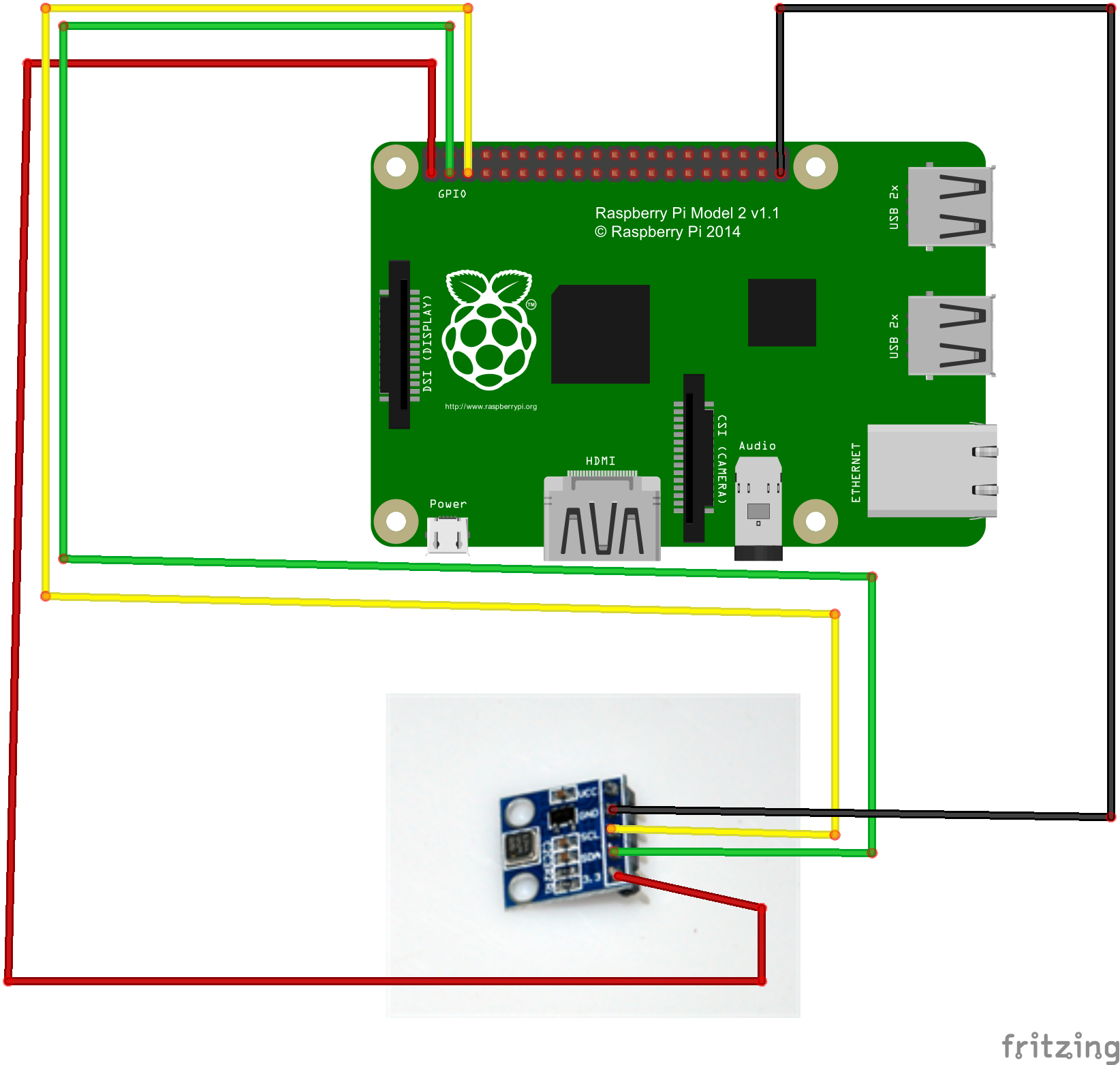
Circuit Graph:
Software Installation:
1)download BMP Python Library by typing following command:
wget –no-check-certificate http://osoyoo.com/driver/Adafruit_Python_BMP.zip
unzip Adafruit_Python_BMP.zip
2)install BMP Python Library
cd Adafruit_Python_BMP
sudo python setup.py install
3) test BMP180 program
cd examples
sudo python simpletest.py
4) result
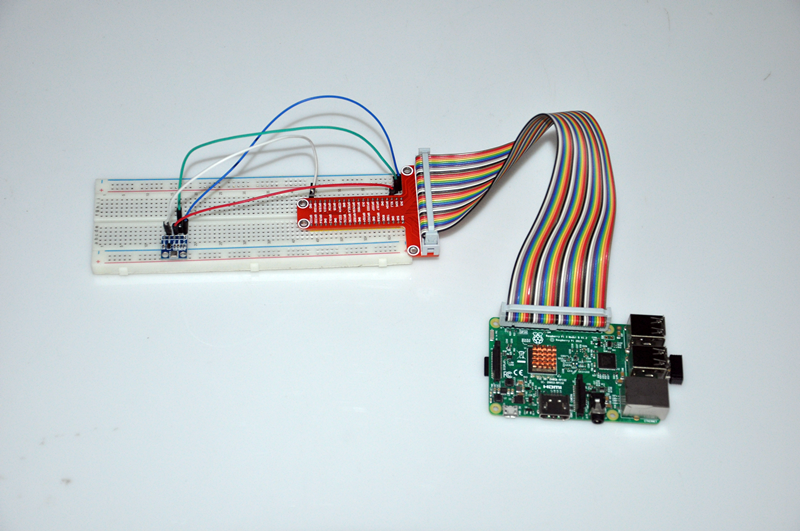
after running code, you will see result as per following picture:

 {:}{:zh}1、实验目的:
BMP180是一款精度高、功耗低、体积小压力传感器,本实验我们利用Raspberry pi 驱动BMP180数字气压传感器模块,检测环境温度、气压、海拔等值,并通过arduino IDE的监控终端打印出来。
2、实验器材:
1 x raspberry pi
1 x BMP180
1 x 跳线若干
3、实验电路:
4、实验代码:
Software Installation:
1)download BMP Python Library by typing following command:
wget –no-check-certificate http://osoyoo.com/driver/Adafruit_Python_BMP.zip
unzip Adafruit_Python_BMP.zip
2)install BMP Python Library
cd Adafruit_Python_BMP
sudo python setup.py install
3) test BMP180 program
cd examples
sudo python simpletest.py
4) result
after running code, you will see result as per following picture:
{:}

amber administrator
You must be logged in to post a comment
About the Author