 Byadmin
{:en}Use Arduino to drive 8×8 LED matrix{:}{:ja}Arduinoで8×8LEDマトリックスを作動する{:}
{:en}
Objective:
In this project, we will use Arduino UNO board to drive an 8×8 LED matrix and display letter from A to I in the LED matrix.

Parts:
| 1 pc | UNO Board | |
| 1 pc | 8×8 LED matrix |  |
| 8 pc | 220 ohm resistance |  |
| 1 pc | breadboard |  |
Circuit Graph:

download code and copy/paste the code into Arduino IDE, then run the code.
Open the serial window on the upper right corner of the Arduino IDE, you will see result as following image:
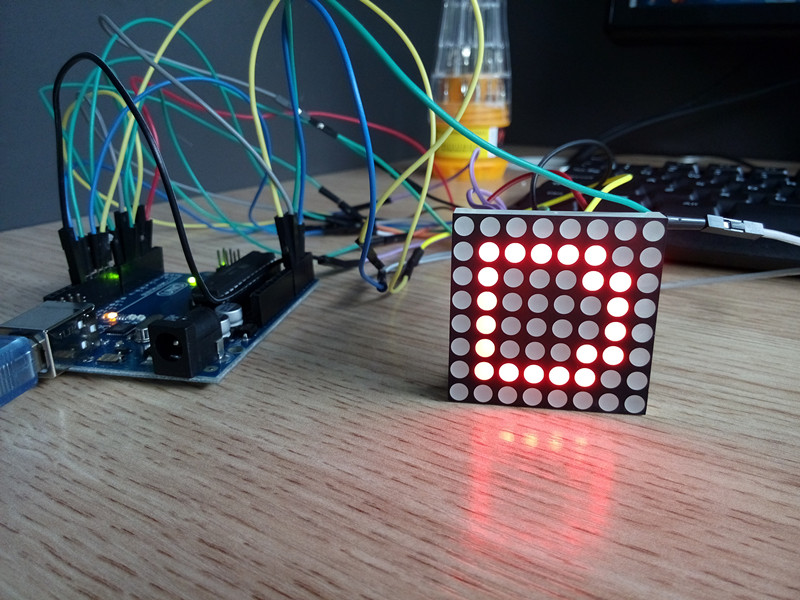
The LED matrix will repeat displaying letter “A” to “I” one by one.{:}{:ja}目的:
Arduinoで8×8LEDマトリックスを作動して、 アルファベットのA ~ Iを表示のプロジェクトです。
パーツ:
| 1 pc | Osoyoo UNO ボード |  |
| 1 pc | 8×8 LED マトリックス | 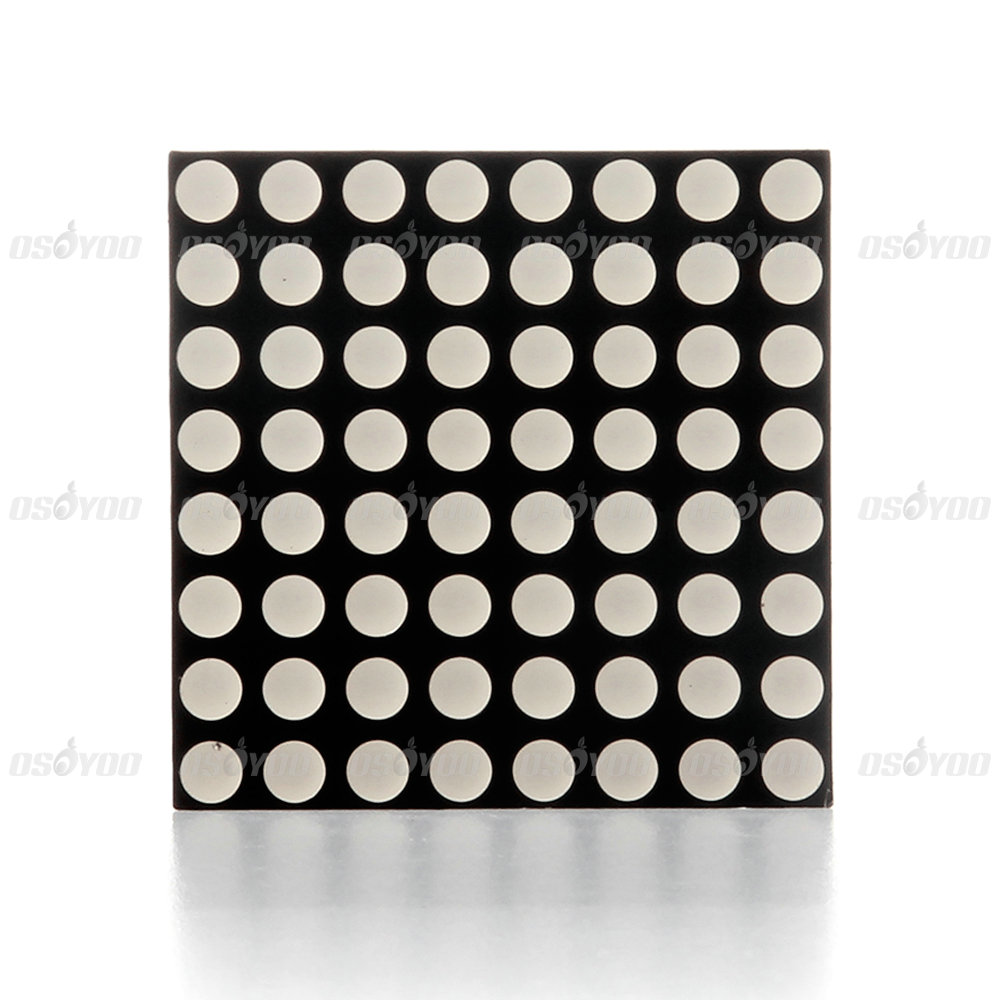 |
| 8 pc | 220 ohm 抵抗 |  |
| 1 pc | ブレッドボード |  |
回路図(画像をクリックして拡大イメージを表示):

コードをダウンロードして、 Arduino IDEにコーピーして、コードを作動してくださいませ。
Arduino IDEのserial windowにデータが確認できます。LEDマトリックスは下記のように、”A” ~ “I”のアルファベットを順次に表示します。(画像をクリックして拡大イメージを表示)
{:}

admin administrator
You must be logged in to post a comment
About the Author